Tone curve and fade
Contrast shapes the tonal range; Fade lifts the darkest display values and brings the brightest ones down. This creates a faded finish. It is a creative treatment, rather than a measurement of how a particular film stock renders.
Turn an everyday shot into a film still. Choose a look, make it yours, and save it. Your photos and clips stay on your device.
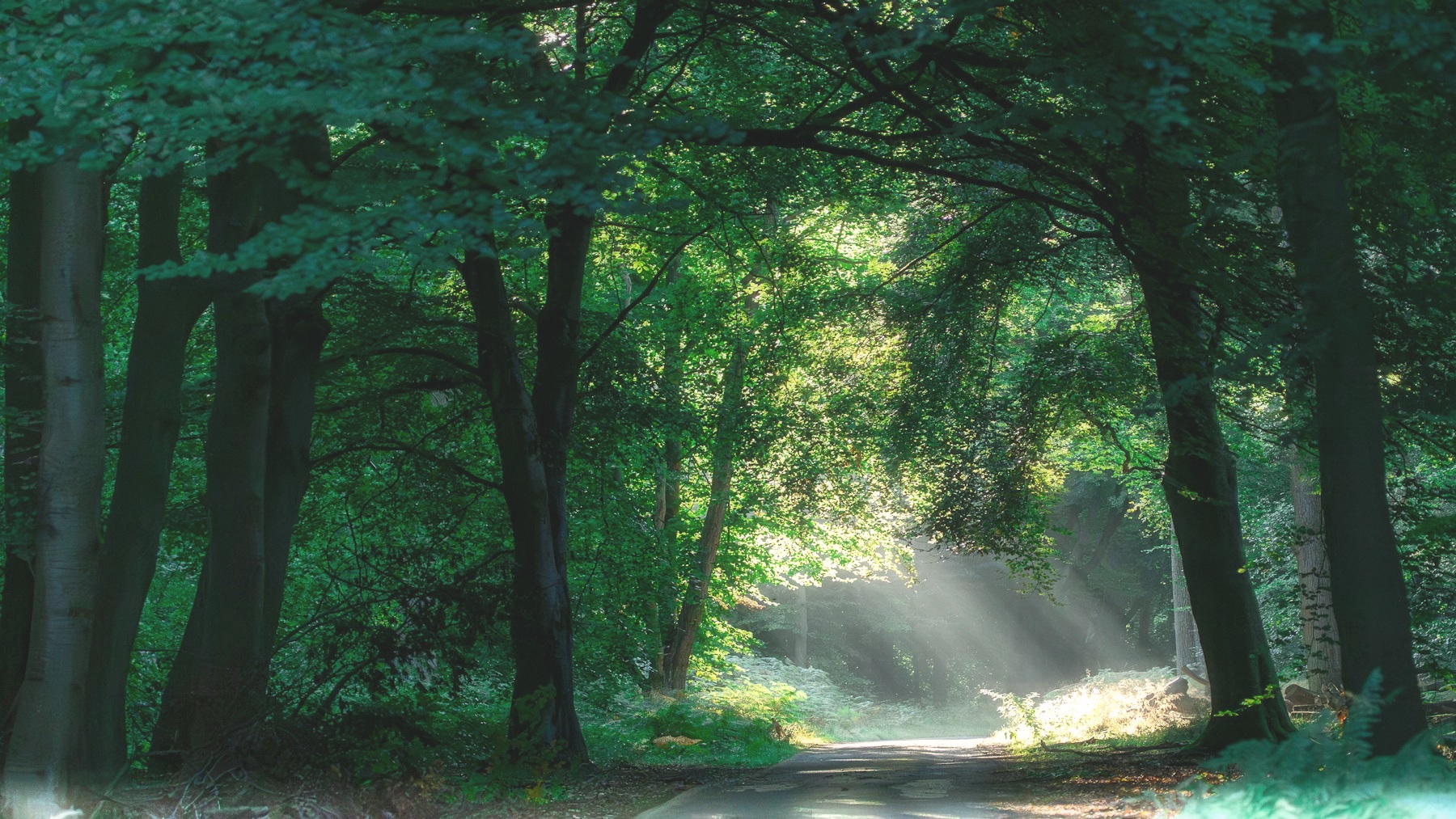
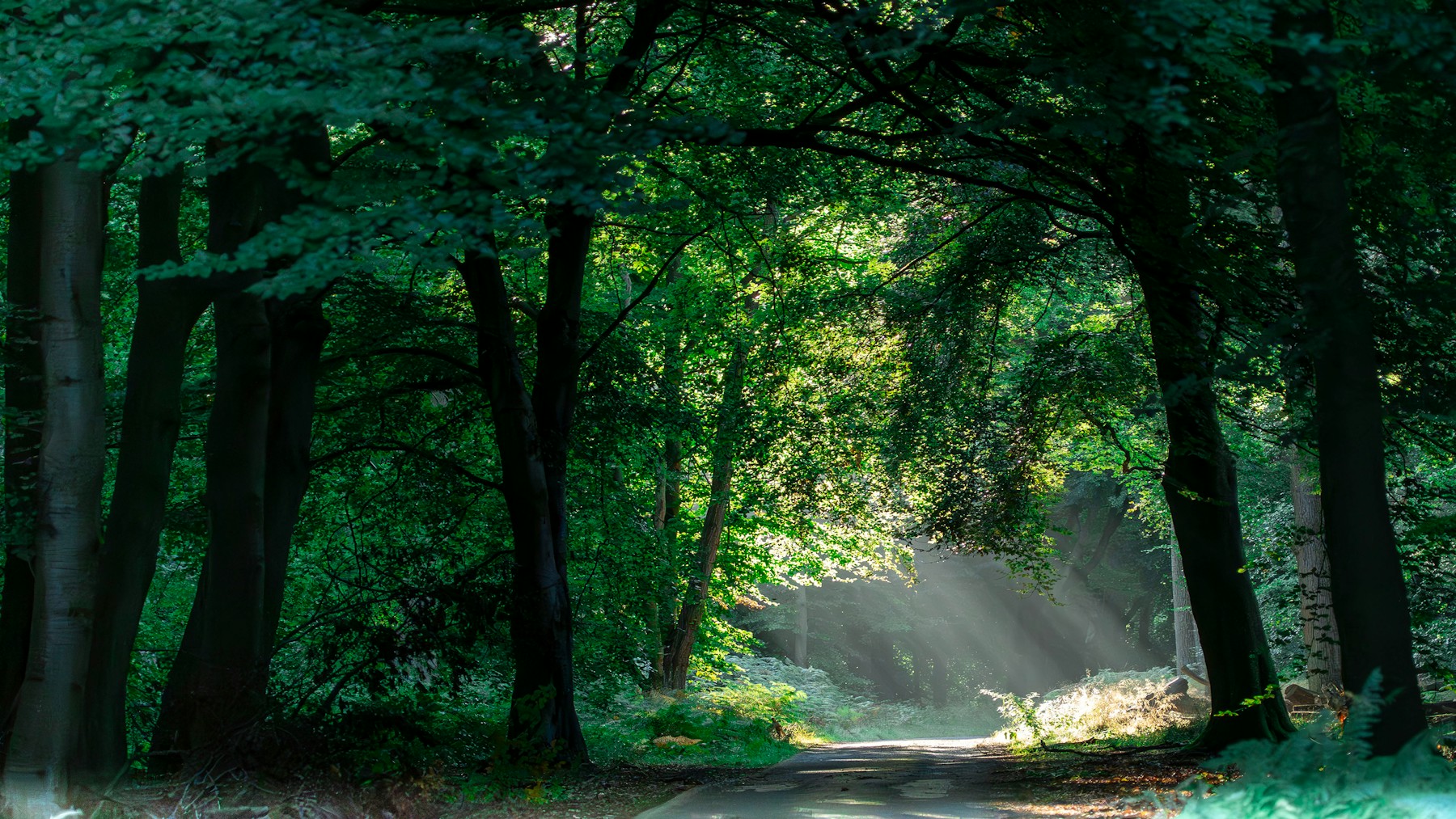 OriginalKomorebi
No account. No upload. Free full-resolution export.
JPG, PNG, WebP, AVIF · MP4, MOV, WebM
Choose a look to try it on a sample, then bring your own photo or video. Adjust the intensity and every setting to make it yours.
Start with a photo or a short standard-range clip. Three steps, all in your browser.
Open a photo or clip from your device, or use a sample to get a feel for the editor.
Choose a preset. Adjust Look intensity, then drag across the image to compare with the original.
Save a photo as JPEG or export your clip. Your original file stays untouched.
Working notes on grading, film emulation and the maths underneath. The latest three are below; the rest are in the journal.
Cool ambient light, warm practicals and dense shadows—the exact settings behind Halation's night-exterior preset.
Removing colour is only the start. RGB weights decide how red, green and blue become tonal contrast.
Exposure and white balance need light-proportional values. Contrast and colour need a space that behaves the way the finished image looks.
Every look is an editable set of colour and texture controls. See what each part changes, compare it with the original, and follow the linked notes to understand the choices behind the result.
Contrast shapes the tonal range; Fade lifts the darkest display values and brings the brightest ones down. This creates a faded finish. It is a creative treatment, rather than a measurement of how a particular film stock renders.
Separate tints affect shadows, midtones and highlights through soft-light blends. Cooler shadows and warmer highlights can separate a subject from its surroundings; the balance depends on the colours already in the photograph.
Bright areas are isolated and blurred. Halation adds a tinted version back; Diffusion blends in an untinted glow. These are adjustable digital effects, not an exact simulation of a film emulsion or a physical lens filter.
Grain size is defined across the frame, with more weight in the midtones. Small previews limit fine grain to avoid flicker, so they cannot show every detail of a full-size export. Save a JPEG and inspect its texture at 100% before deciding how much grain to keep.
The same five-pass renderer grades each video frame independently. Grain changes twelve times a second by default, with 24 Hz and fixed options too. Watch several moments of a clip: a glow that suits one bright frame can overwhelm another, and moving grain can increase the saved file size. Video export uses WebCodecs. Audio is retained when supported by the output format, but may be re-encoded.