Black and white is a channel decision
Drag Saturation to −100 and the colour disappears. That looks like the whole recipe for black and white, but it hides the useful decision: how bright should each former colour become? A red jacket, green leaf and blue sky can share a similar colour brightness while separating very differently once hue is gone.
Monochrome conversion is therefore not simply subtraction. It is a new map from three channels to one tone. Halation exposes that distinction with two controls that can both make a grey image. Saturation −100 uses one set of RGB weights; Monochrome 100 uses another. The pixels lose colour either way, but they do not necessarily keep the same relationships.
Two ways to reach grey
Halation's saturation calculation first measures display-space luma with
0.2126R + 0.7152G + 0.0722B. The Saturation slider moves each pixel
toward or away from that grey point. At −100 the blend reaches the grey point
completely, so those luma coefficients determine the result.
The Monochrome control comes one step later. It clamps the colour channels, then
computes 0.31R + 0.61G + 0.08B. At 100 it replaces all three output
channels with that value. The coefficients still add to one, so neutral greys
remain neutral. What changes is the relative influence of coloured subjects:
red gains weight, green loses some, and blue stays deliberately restrained.
Pure red makes the difference easy to see. Saturation −100 produces 0.2126, while Monochrome 100 produces 0.31. Pure green moves from 0.7152 to 0.61, and pure blue from 0.0722 to 0.08. For mixed colours, cyan becomes 0.7874 versus 0.69, while magenta becomes 0.2848 versus 0.39. Same source pixels, different tonal separation.
Colour becomes contrast
Those numbers explain why a monochrome photograph can feel more dimensional than a plain desaturation. A red or magenta subject becomes lighter under Halation's mono mix than it would at Saturation −100. Green foliage becomes less dominant. Blue remains dark enough to hold depth in skies and painted surfaces. No hue is visible, yet the original hues still decide where brightness lands.
This is also why the order of the renderer matters. Exposure and white balance happen first, followed by tone shaping, the eight-channel colour mixer, split toning, vibrance and saturation. Monochrome is last within the grade pass. A colour mixer adjustment can therefore change the final black-and-white tone even though its colour is no longer visible. Split tones can also alter channel values before the mono weights collapse them to grey.
That does not make Halation a full black-and-white channel mixer. The final 31/61/8 recipe is fixed rather than exposed as three independent sliders. The existing colour mixer offers indirect control over eight hue ranges before the conversion, which is useful but not equivalent to freely choosing red, green and blue output percentages. The limitation is intentional and worth knowing.
What Silver actually does
The Silver preset sets Monochrome to 100, not Saturation to −100. It begins with Exposure +2, which means only +0.02 EV, then adds Contrast +30, Highlights −16, Shadows +8, Whites +8, Blacks −4 and Fade +6. Those operations establish the tonal range before the fixed mono mix turns channel differences into grey values.
Silver also applies a cool shadow split at 16% and a warm highlight split at 14% before monochrome conversion. They do not survive as visible blue and cream, but their channel changes can still influence the final grey value. After the grade pass, the look adds Halation 20, Bloom 8, Grain 34 with Grain size 36, and Vignette 22. Black and white is the foundation; coarse texture and contained edges finish the photographic character.
A practical monochrome order
Start in colour. Set Exposure, white balance and the broad tone controls while you can still identify which hues are causing a problem. Then raise Monochrome to 100 and judge separation, not colour. If a red face or sign needs more presence, adjust its range in the Colour Mixer before adding more global contrast. If green foliage is too bright, lower its lightness there instead of crushing every shadow.
- Portrait: watch red and orange areas. The mono recipe already gives them more weight than the saturation luma, so small mixer moves are enough.
- Landscape: compare foliage with sky. Green carries 61% of the mono mix while blue carries 8%, creating separation without an extreme S-curve.
- Graphic colour: toggle between Saturation −100 and Mono 100. Large red, cyan and magenta shapes reveal the channel decision immediately.
Finish with grain and vignette only after the tonal hierarchy works. Texture cannot rescue two colours that collapsed to the same grey. For the earlier colour logic, read Vibrance vs saturation; for the working-space boundary behind the calculations, see Linear light is for physics, gamma is for taste. The complete five-pass renderer is outlined on the About page.
Try the channel decision
Open Silver on this concrete study, then move Monochrome from 100 to 0 and set Saturation to −100. Compare the sunlit surfaces and shadowed geometry before restoring Silver's full texture.
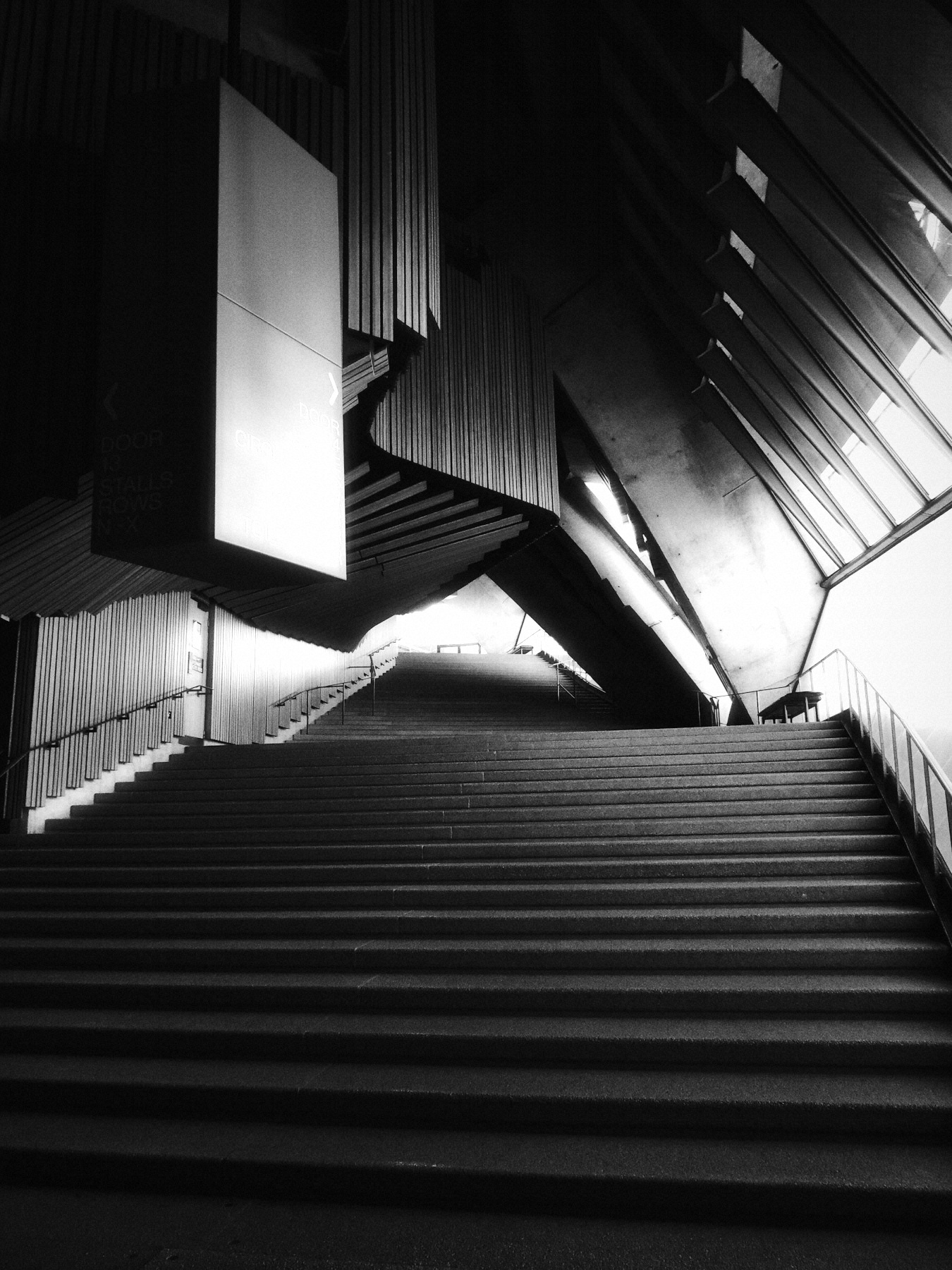
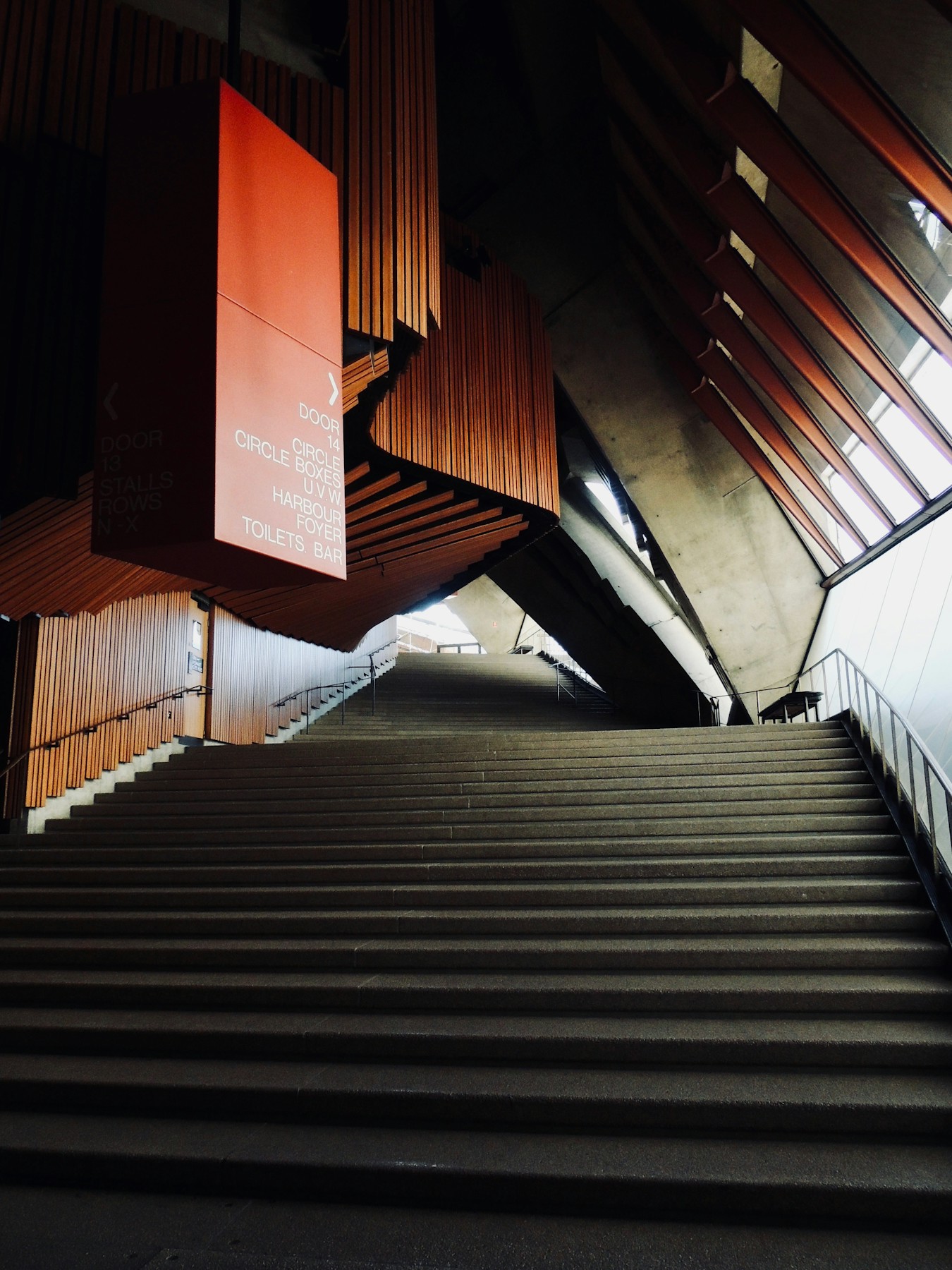 OriginalSilver
Then choose Replace to use your own photo or clip. New here? Read the photo guide or video guide.