Film grain belongs to the frame, not the pixel
The easiest way to add digital grain is to generate one random value for every output pixel. It also produces the wrong result as soon as the output changes size. A 900-pixel preview and a 6,000-pixel export would contain radically different numbers of grains across the same photograph. The export would look much finer, even though the control had not moved.
Reusing a fixed noise image fails in the other direction. Enlarge the texture and its pixels become blocks; shrink it and resampling turns the grain soft. Both approaches treat the screen or file as the physical object. Film works the other way around: the grain belongs to the emulsion covering a frame, while a scan merely samples that structure at a chosen resolution.
A preview is not the photograph
Halation renders the editor preview at the size the browser can display. That size changes with the window, the panel layout and the device pixel ratio. A still export, by contrast, is rendered again at the source photograph's native dimensions. Video follows the same pipeline at the output resolution selected for the export.
This is useful because the preview stays responsive, but it means a pixel cannot be the unit of grain size. A pixel describes a particular canvas, not the image as a whole. If the effect is meant to survive the trip from preview to file, it needs a coordinate system shared by both.
Count cells, not pixels
The shader receives normalised coordinates: zero at one edge of the frame and one at the other, regardless of how many pixels lie between. Halation divides that space into a fixed number of grain cells. Each cell receives a repeatable pseudo-random value, and its dimensions are corrected for the aspect ratio so the cells remain square rather than stretching with the photograph.
The Grain size control changes the number of cells, not their pixel dimensions. Across its full range, the target falls from roughly 4,727 fine cells to 712 coarse ones across the horizontal frame. The presets currently shipped with Halation use the narrower, practical range from about 1,561 to 1,238 cells. A larger Grain size value means fewer cells, so each grain occupies more of the frame.
That definition makes the setting portable. A phone photograph and a 45-megapixel scan can use the same value without one receiving tiny digital noise and the other receiving a tiled overlay. More output pixels describe each cell in greater detail; they do not create more cells.
The sampling limit is deliberate
There is one necessary exception. A small preview cannot display a grain field finer than its own pixel grid. Asking it to do so creates sub-pixel detail that disappears on a still and crawls against the screen when a video moves. That is aliasing, not texture.
Halation therefore limits any render to no more than one grain cell for every 1.2 output pixels. In practice the limit binds most often on a small preview. When the target density is coarser than that, preview and export use the same frame-relative structure. When it is finer, each output shows the closest stable version its pixel grid can resolve; a sufficiently large native export reaches the requested density. The promise is visual consistency within the limits of each output, not impossible cell-for-cell equality at every size.
Grain has a tonal address
Uniform noise looks like a layer placed over an image. Grain is more convincing when it participates in the image underneath, so Halation weights it by luminance. The effect reaches full strength around the midtones and falls to 32% of that strength in the deepest shadows and brightest highlights. The transition is continuous rather than divided into tonal bands.
The random value is centred around zero and added equally to the colour channels. It can brighten or darken a cell without pushing the frame toward a colour or deliberately changing its average exposure. This is a small model of film texture, but the tonal weighting does more perceptual work than a more elaborate noise generator applied uniformly.
Motion makes the distinction obvious
A still image can keep one grain field forever. On moving footage, a frozen field appears attached to the display, like dirt on a lens. Halation can refresh the field at 0, 12 or 24 times per second, with 12 as the default. The middle setting changes often enough to feel alive without turning every frame into unrelated electronic noise.
Each refresh uses a fractional pseudo-random offset. Moving by whole cells would simply reveal neighbouring values from the same grid and make the pattern appear to slide. The fractional offset produces an uncorrelated field instead. Both the preview and export derive the phase from the media timestamp, so the timing of the texture survives the export path as well as its scale.
What to change first
The two grain controls answer different questions. Grain size decides the apparent stock: smaller cells suggest a fine, well-exposed negative; larger cells suggest a faster or more aggressively enlarged one. Grain controls the amplitude after that structure has been chosen.
Set size first, while the texture is visible enough to judge, then reduce Grain until it stops announcing itself. For video, check a moving section rather than a paused frame, because compression has to preserve every change in the field and heavy grain can increase the required bitrate. Halation includes the grain amount in its export size estimate for exactly that reason.
Grain is the final pass in the same pipeline that produces diffusion without blurring focus. The common rule is simple: define an optical effect in the space where it belongs, then let the output resolution describe it. You can test both controls in the editor, or read more about the pipeline on the About page.
Try it on a real photo
Start with Silver. Open Film and adjust Grain and Grain size. Export the photo and inspect it at 100% to judge the texture; the small preview cannot show every grain cell.
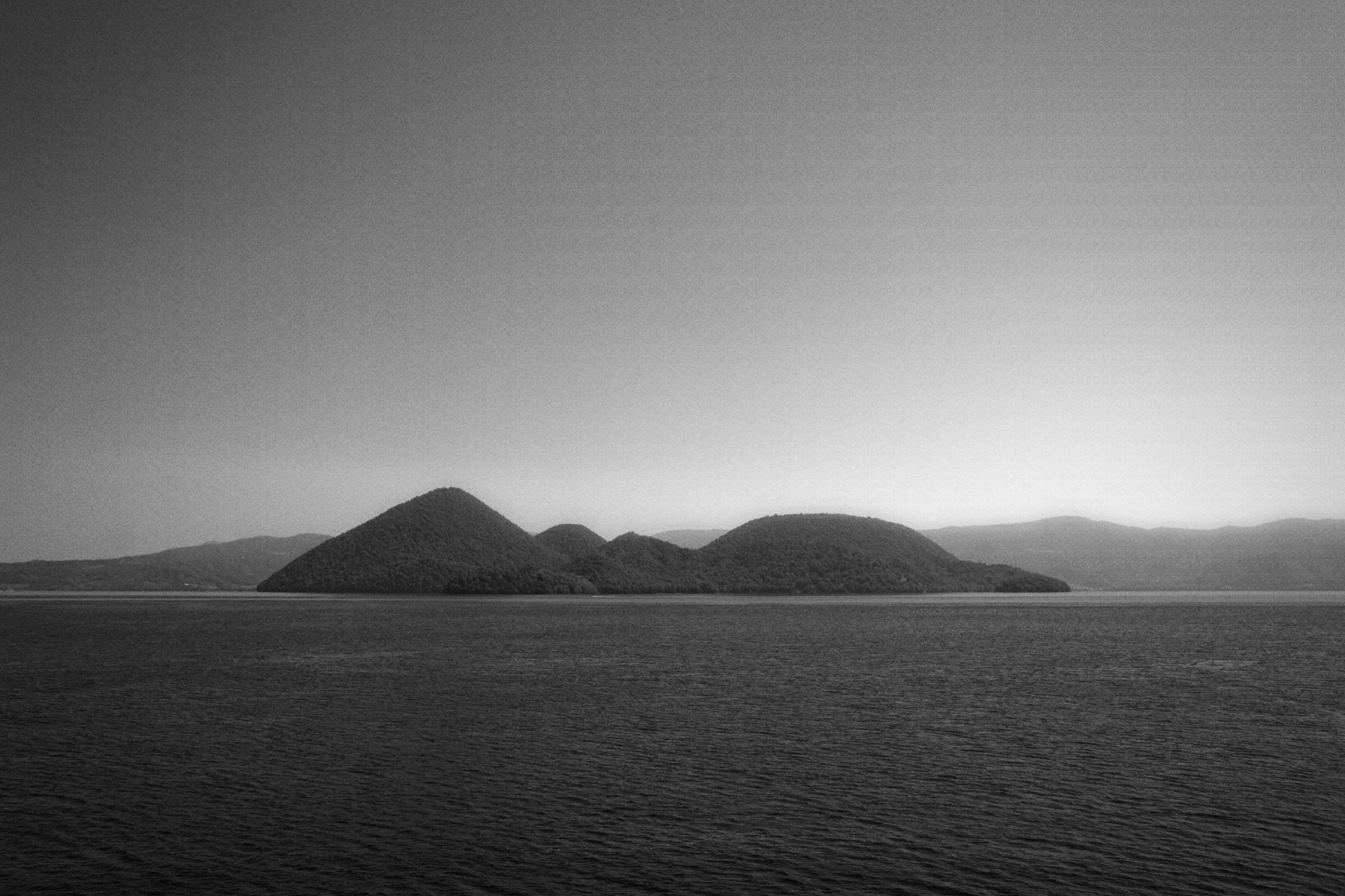
 OriginalSilver
Then choose Replace to use your own photo or clip. New here? Read the photo guide or video guide.