Make your photo look like film.
A film look starts with softer contrast, a deliberate colour palette and a little texture. Halation lets you try all three on a real photograph before you open one of your own. It is free, with no account and no upload.
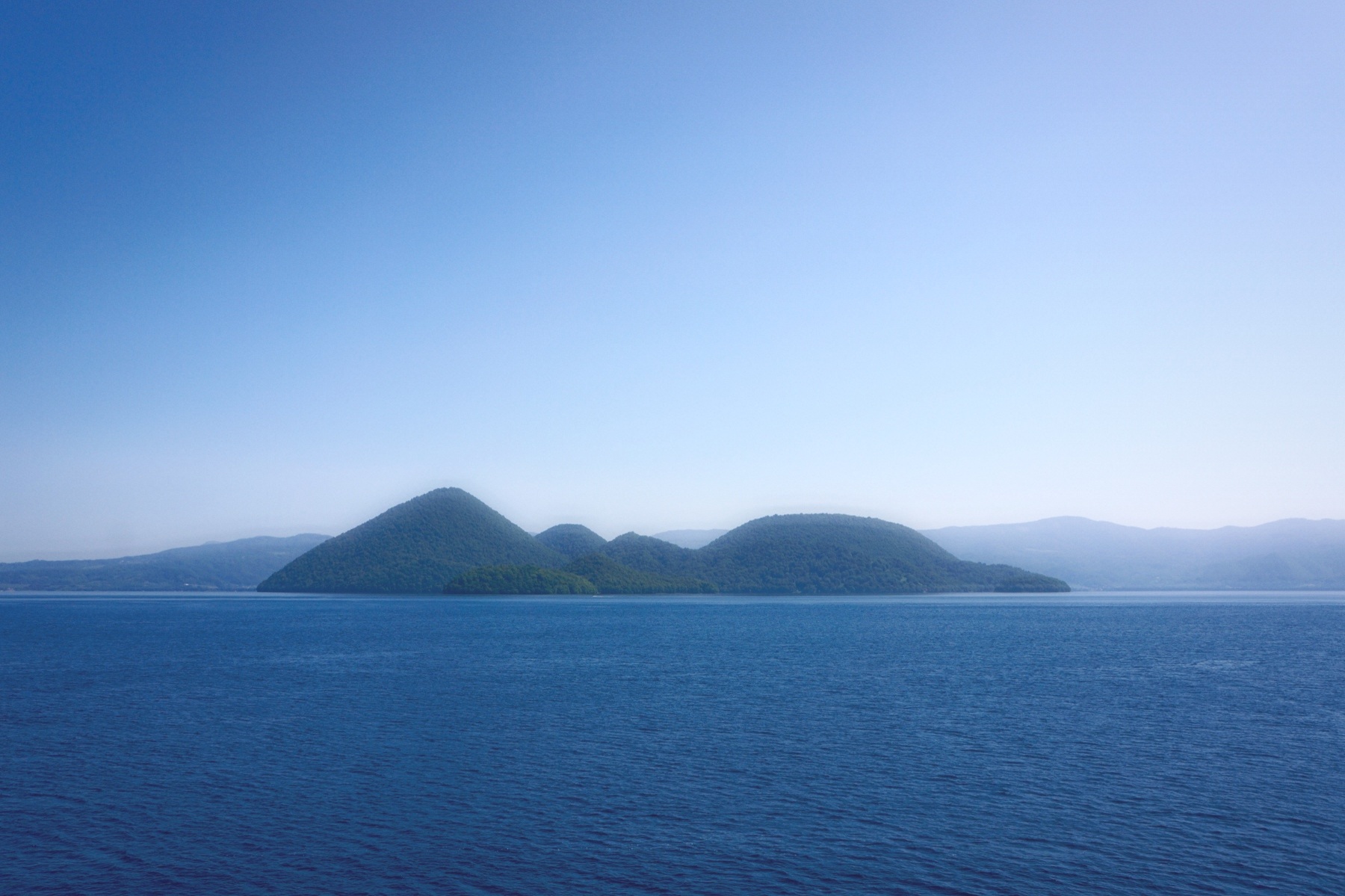
 OriginalKomorebi
From digital photo to film look
- Choose a starting point. Open the sample above, or choose your own photo from the homepage. Komorebi gives a light, muted palette; Cinematic adds cool shadows; Golden brings warmth; Silver turns the image monochrome.
- Set the strength. Lower Look intensity if the preset overwhelms the photograph. Use Exposure to correct brightness and Fade to lift the darkest tones. Compare the result by dragging across the photo or holding B.
- Add only the texture you need. Open Film to adjust Grain, Grain size, Halation and Diffusion. Halation adds a warm glow near bright highlights; Diffusion softens their contrast. These effects cannot restore missing detail.
- Save your version. Choose Export full resolution to download a JPEG. Your source file is not changed. Replace opens another photo while keeping the chosen preset.
Which look fits the shot?
For a quiet daylight landscape, begin with Komorebi. For a sunset, try Golden and reduce Temperature if the scene becomes too yellow. For city lights, Nocturne is a useful starting point. A preset is a starting point, not a promise that every photograph will need the same settings.
A repeatable daylight edit
Open Komorebi on the woodland sample. The bright path and shaded trees give you two different areas to judge. The comparison on this page shows the full preset; it does not isolate any single control. In the editor, make one change at a time:
- Compare the starting point. Hold B or Hold to compare to see the original. If the whole treatment feels too strong, start with Look intensity at 60%. This is a suggested trial value, not a setting every photo needs.
- Keep the path readable. In Light, adjust Exposure while watching the bright path. Then use Highlights if the brightest areas dominate. Lowering Highlights can reduce brightness; it cannot recover detail already clipped in the source.
- Separate the trees. Reduce Fade if the shade looks grey, then compare again. Shadows controls dark-region brightness; Fade changes the black floor. Raising both can flatten the scene. See the Fade explanation before adding global Contrast.
- Finish with texture. Open Film, lower Grain, and save a test JPEG. Inspect the saved image at 100% to judge fine texture. A small editor preview limits fine grain, so it is not a pixel-for-pixel view of the export.
Reset restores the selected preset and Look intensity to 100%; it does not create a neutral image. Double-clicking a slider inside an adjustment group restores that control's preset value. Choose Replace to work on your own photo with the selected look, then check the new scene again.
If the result is not what you expected
- Skin or foliage looks too vivid: reduce Saturation or Look intensity first. Vibrance gives already strong colours less of a boost, but it does not recognise faces. The colour guide explains the distinction.
- Bright edges look foggy: lower Halation and Diffusion in Film. These add glow around bright regions; they do not sharpen or restore an out-of-focus source.
- The saved image is smaller: check the loaded dimensions in the editor. Very large photos are reduced to the graphics limit of your device. Export uses those loaded dimensions.
- A file will not open: check its format and size below. Renaming HEIC or RAW to .jpg does not convert it. Export a genuine JPEG from the source application instead.
Formats and limits
Open JPG, PNG, WebP, AVIF or the first frame of a GIF. Photos must be no larger than 64 MB or 200 million pixels. Export is JPEG, so transparency and animation are not preserved. HEIC and camera RAW files need to be converted before opening.
Images larger than your device's maximum texture size are reduced to fit. Full-resolution export means the loaded image resolution after that limit. The editor needs WebGL2; if the browser cannot run it, Halation displays an explanation. Nothing about choosing a sample uploads your own media.
Take the look further
Read the Komorebi breakdown, see why lifted blacks change the feel, or learn how grain behaves at different sizes. Working with a clip? Follow the video colour grading guide.